Mighty Mathletes for schools
Fact fluency practice students actually want to do, with the controls and reports teachers and school leaders need.
For teachers
A live class dashboard
Class fluency, who’s on today, who finished today’s session, and how your class compares with others.
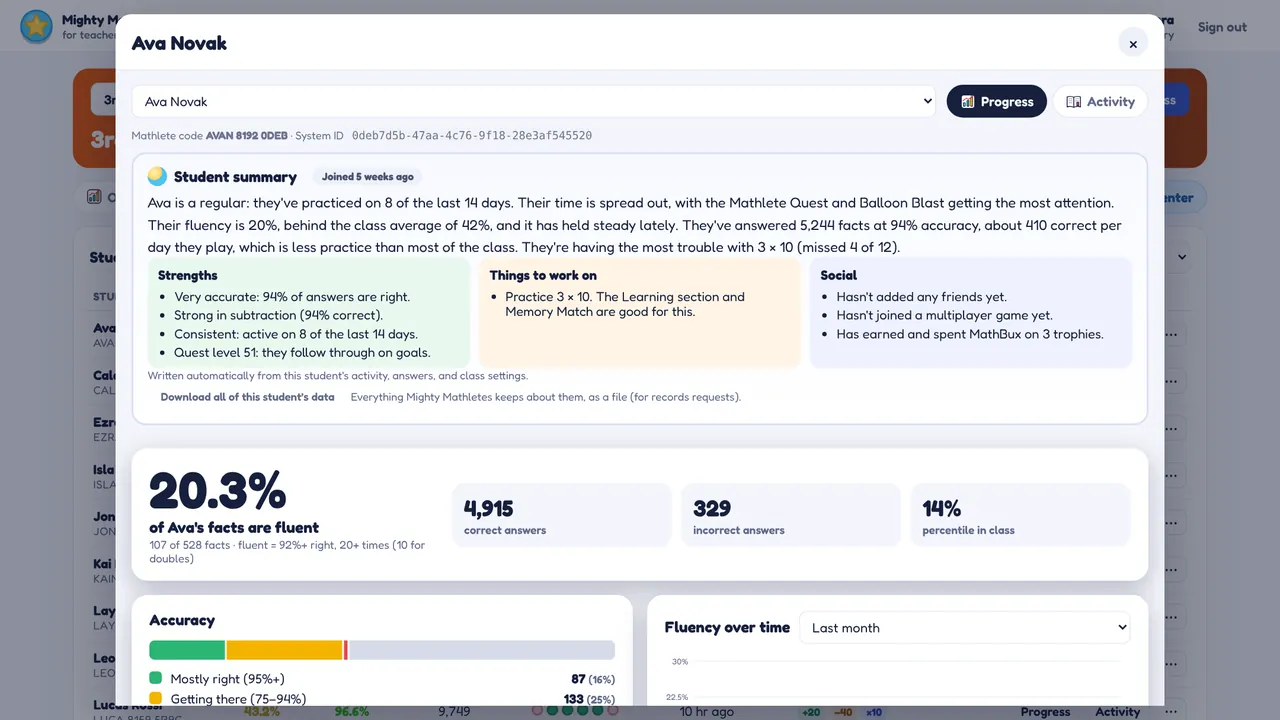
A written summary for every student
Strengths, struggles, habits and social life in plain English, with the exact facts to work on.
Skills for each student
Set addition, subtraction, multiplication and division ranges per student or for the whole class.
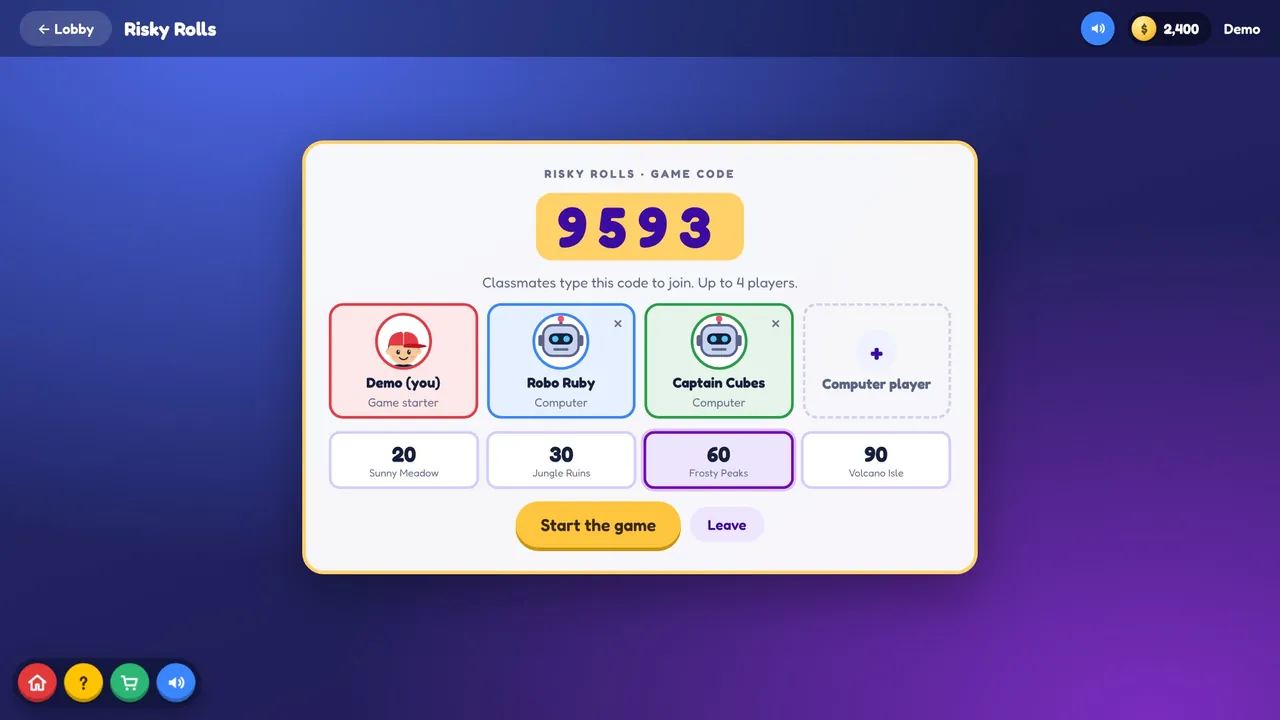
Control of live games
See every multiplayer game running in your class and end one, or all of them, with a click.
Rewards and printing
Monthly reward codes, certificates and sign-in cards ready to print.
Fair to new students
A student who joins in March isn’t compared on February. Every report counts only the days since they joined.
For school and district leaders
School-wide defaults
Choose the skills your school uses and default levels for new students.
Settings you can lock
Set any game or feature for every class, and lock it so it can’t be changed.
Staff management
Teachers join with your school code. Make admins, move classes between teachers.
Every class at a glance
Average fluency, students and today’s activity for each class in your school.
Getting started is simple
- Teachers make a class and share a six-digit class code
- Students join on any Chromebook with that code and their name
- Nothing to install; it can be added to Chromebooks like an app
- Works alongside any math curriculum
See it with your class in mind
A short demo, a pilot with a few classes, or pricing for your school.