Mighty Mathletes at home
The same program kids use in class, with a dashboard made for you. One plan covers up to 6 kids.
From $4.08 a month, billed yearly.
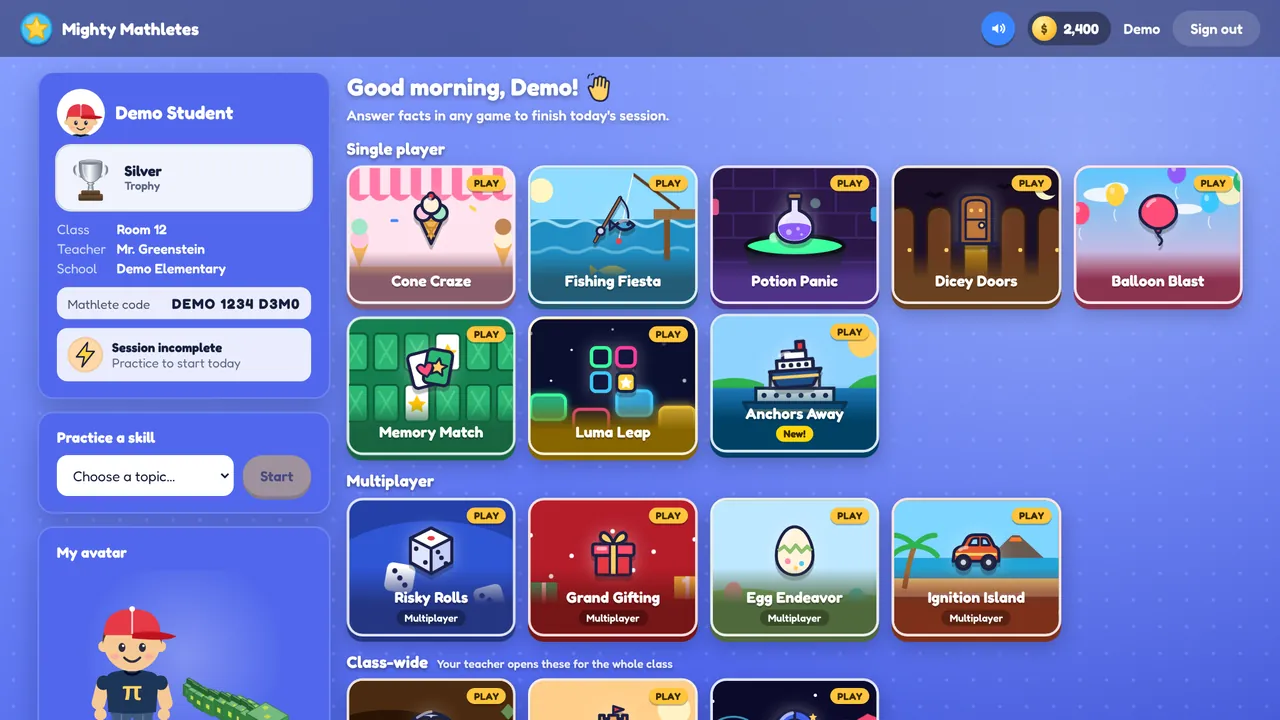
How it works
- 1Pick a planChoose how many kids (1 to 6) and monthly or yearly. The first 14 days are free.
- 2Add your kidsType each child’s name. They get their own sign-in code right away, ready to print or write down.
- 3They playOn any Chromebook, laptop or tablet with a keyboard. Each child sees only their own games and progress.
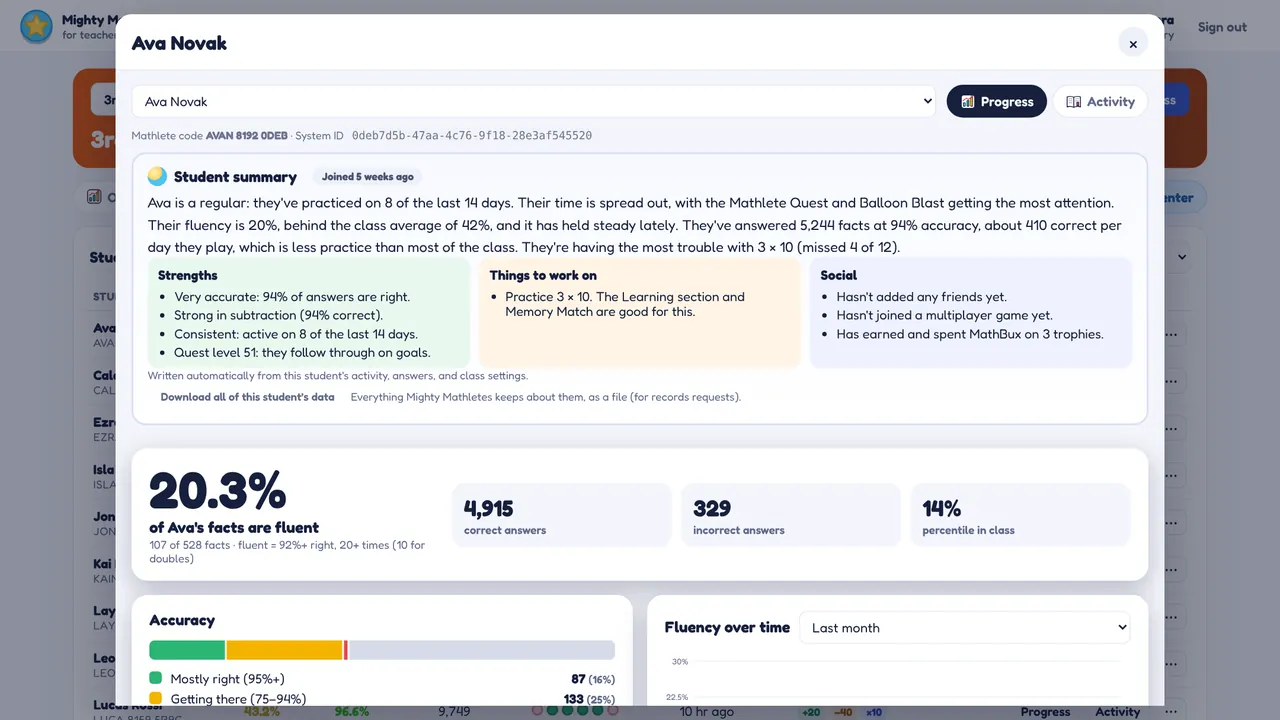
- 4You see how they’re doingYour dashboard shows each child’s progress, a written summary, and the facts they need to practice.
A dashboard that tells you something
Instead of a wall of numbers, you get a short summary for each child: how often they play, what they enjoy, how fast they’re improving, and which facts to work on together.
- Fair from day one: only the days since your child joined count
- Choose which skills and games each child gets
- Turn off multiplayer or friends any time
- Print sign-in cards and certificates
Siblings can play together
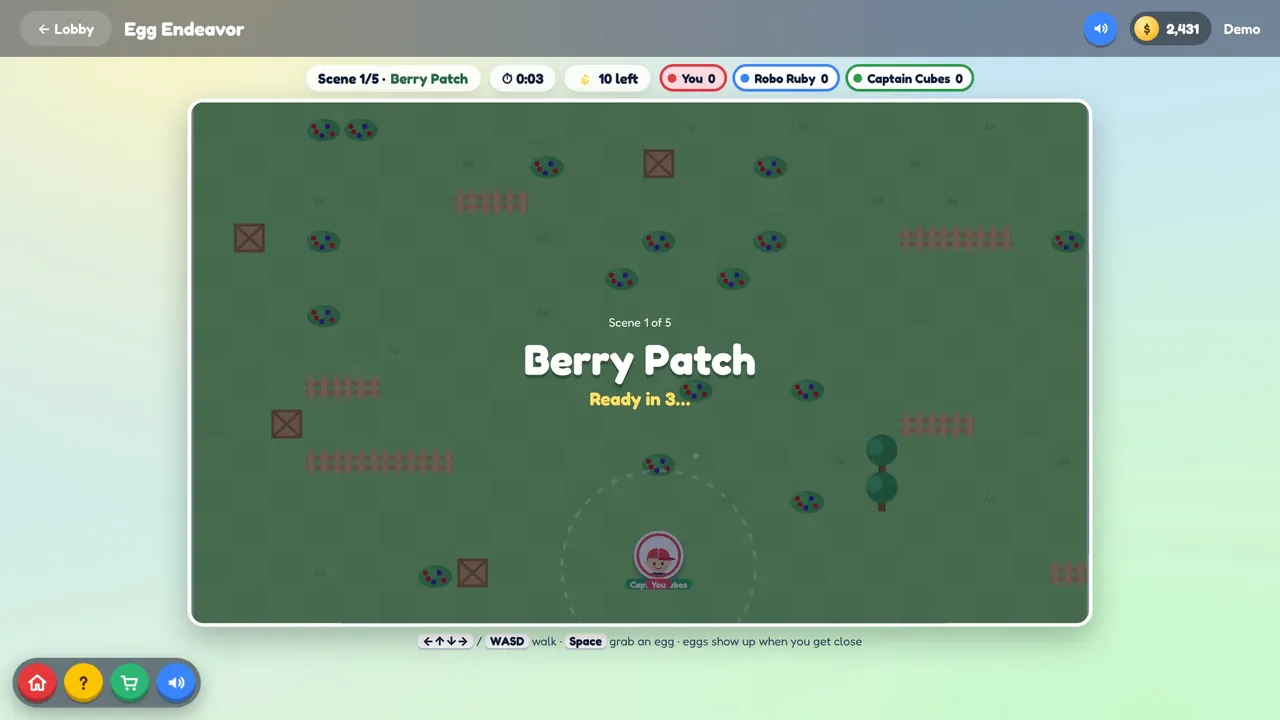
Kids in the same family can be friends in the program and play the multiplayer games together, from Grand Gifting’s toy workshop to Egg Endeavor’s egg hunts. Playing alone? Computer players fill the empty seats.
Try it free for 14 days
Set up your family in about two minutes.