Every student belongs
Kids start in different places and move at different speeds. Mighty Mathletes meets each one where they are, without making anyone feel behind.
The right facts for each child
Choose skills and ranges for each student: addition up to 15 for one, multiplication up to 12 for another. They play the same games side by side.
Specific next steps
Grown-ups see the exact facts a child misses (“dividing by 7”) instead of a single score, so help can be targeted.
Keyboard first
Typed-answer games are played entirely from the keyboard: arrow keys or WASD to move, number keys and Enter to answer. No precise mouse work needed.
Sound that helps, not hurts
Music and sound effects can be muted at any time, and teachers can turn music off for a whole class.
Fair to newcomers
A student who joins mid-year is measured only on the days since they joined, never on days before their account existed.
Works on school devices
Built for Chromebooks, and it installs like an app. It runs in any up-to-date browser, with nothing to download for students.
Mistakes are part of the game
A wrong answer never ends the fun: the game keeps going, and the next fact is a fresh chance. Grown-ups see which facts get missed so they can help.
Many ways to shine
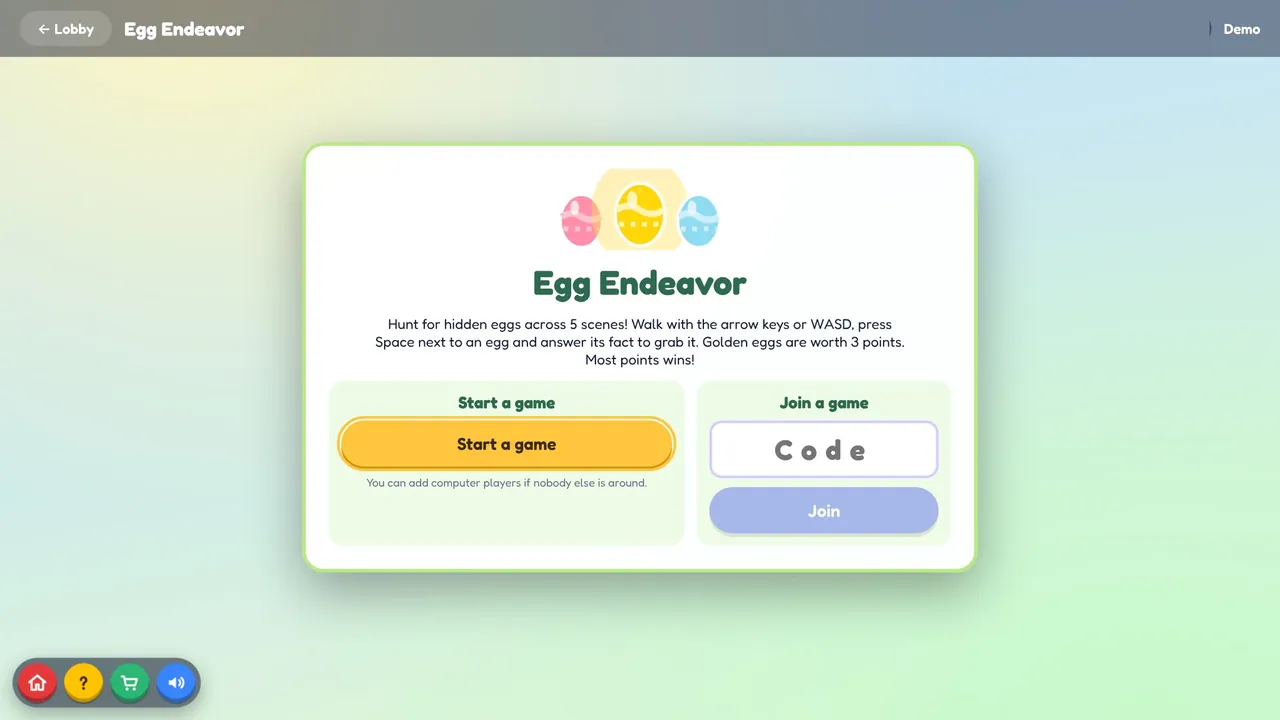
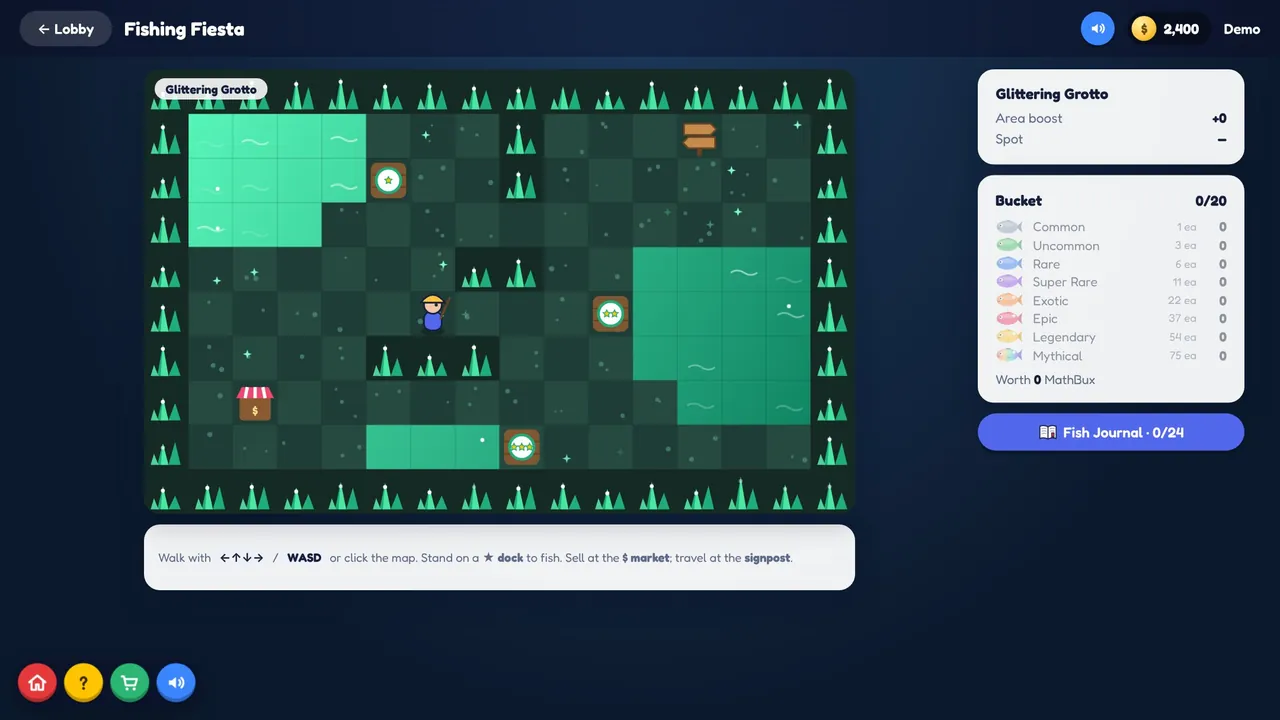
Some kids love racing, some love collecting fish, some love decorating their avatar. Fifteen games mean more kids find the one that clicks.
Simple sign-in, even for young kids
Students sign in with a Mathlete code: four letters from their name, a four-digit PIN they chose, and a short ID. No email address and no password to forget. Teachers and parents can print sign-in cards for the whole class or family.